One place to work
Email, messaging, and calendar share one focused workspace.
Bring email, messaging, and calendar into one focused workspace. Search across accounts, triage at keyboard speed, analyze attachments, and prepare grounded replies with AI while every send and consequential action stays in your hands.
Live controlled accessEmail, messaging, and calendar share one focused workspace.
Threads, supported files, drafts, and calendar context move together.
AI prepares; every send and consequential mutation stays explicit.
Connect accounts, triage the queue, open the thread, let AI prepare, then review and act.
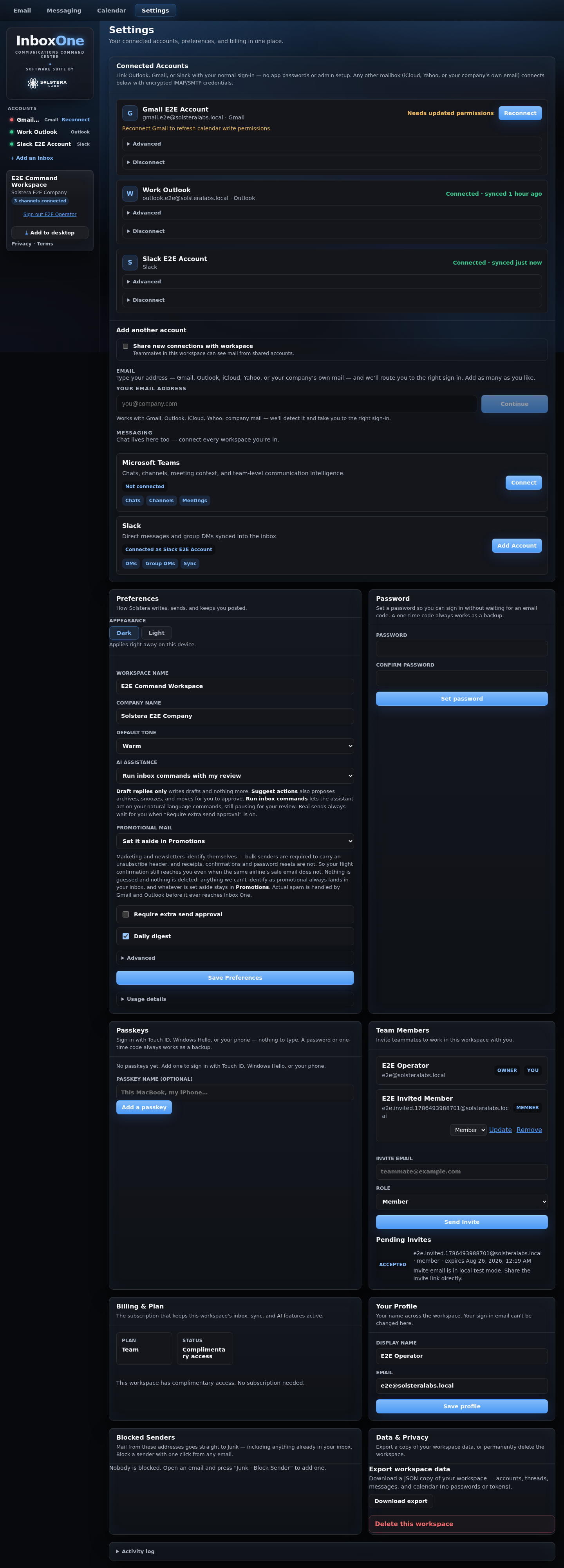
What you’re seeing: Bring supported mail, chat, and calendar providers into one workspace.
Why it matters: Keep account identity and visibility explicit.
What you’re seeing: Bring supported mail, chat, and calendar providers into one workspace.
Why it matters: Keep account identity and visibility explicit.
What you’re seeing: Work a chronological queue across connected accounts.
Why it matters: Fewer account switches; faster keyboard decisions.

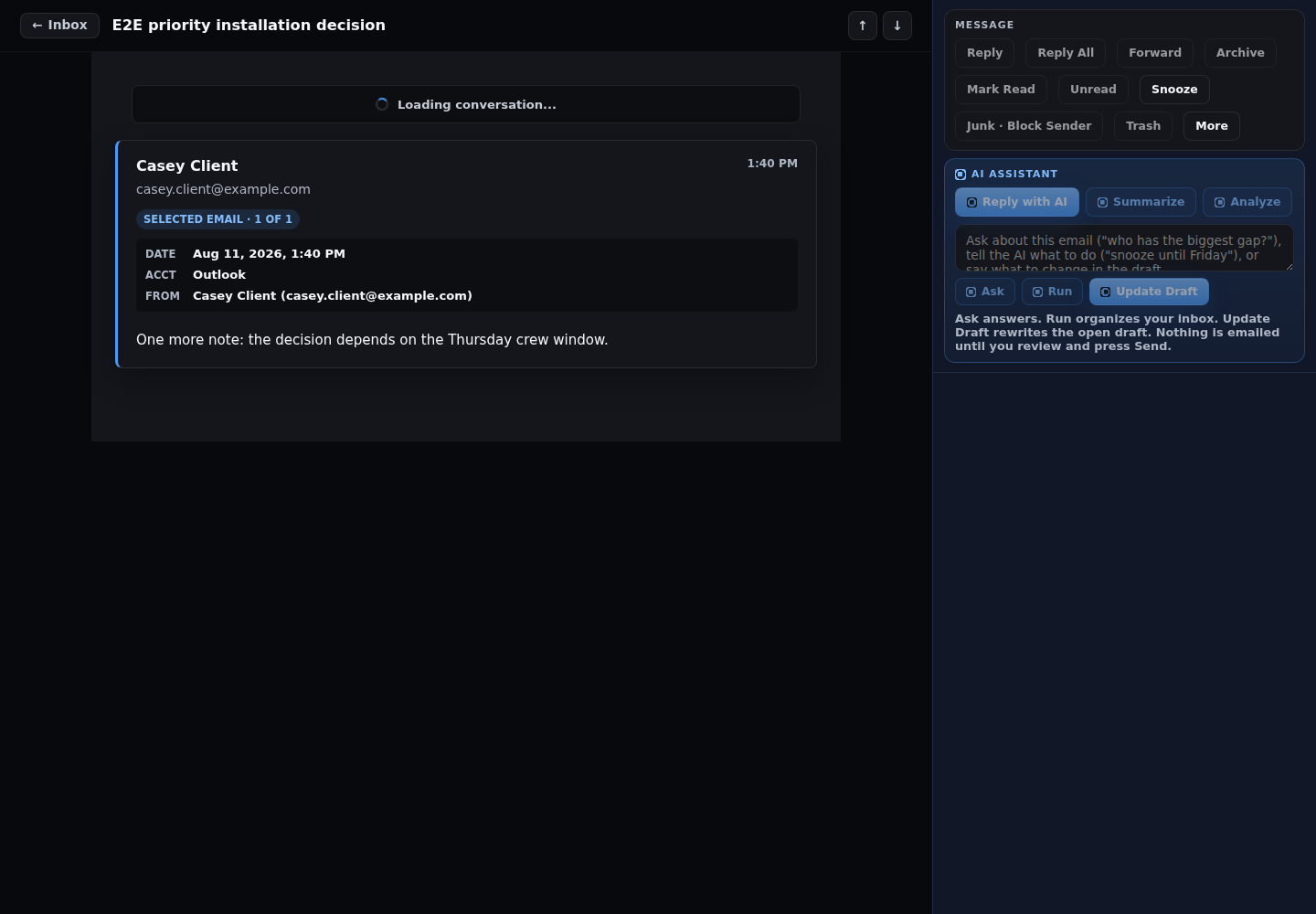
What you’re seeing: Read the conversation with provider and account context intact.
Why it matters: The next action stays grounded in the actual message.
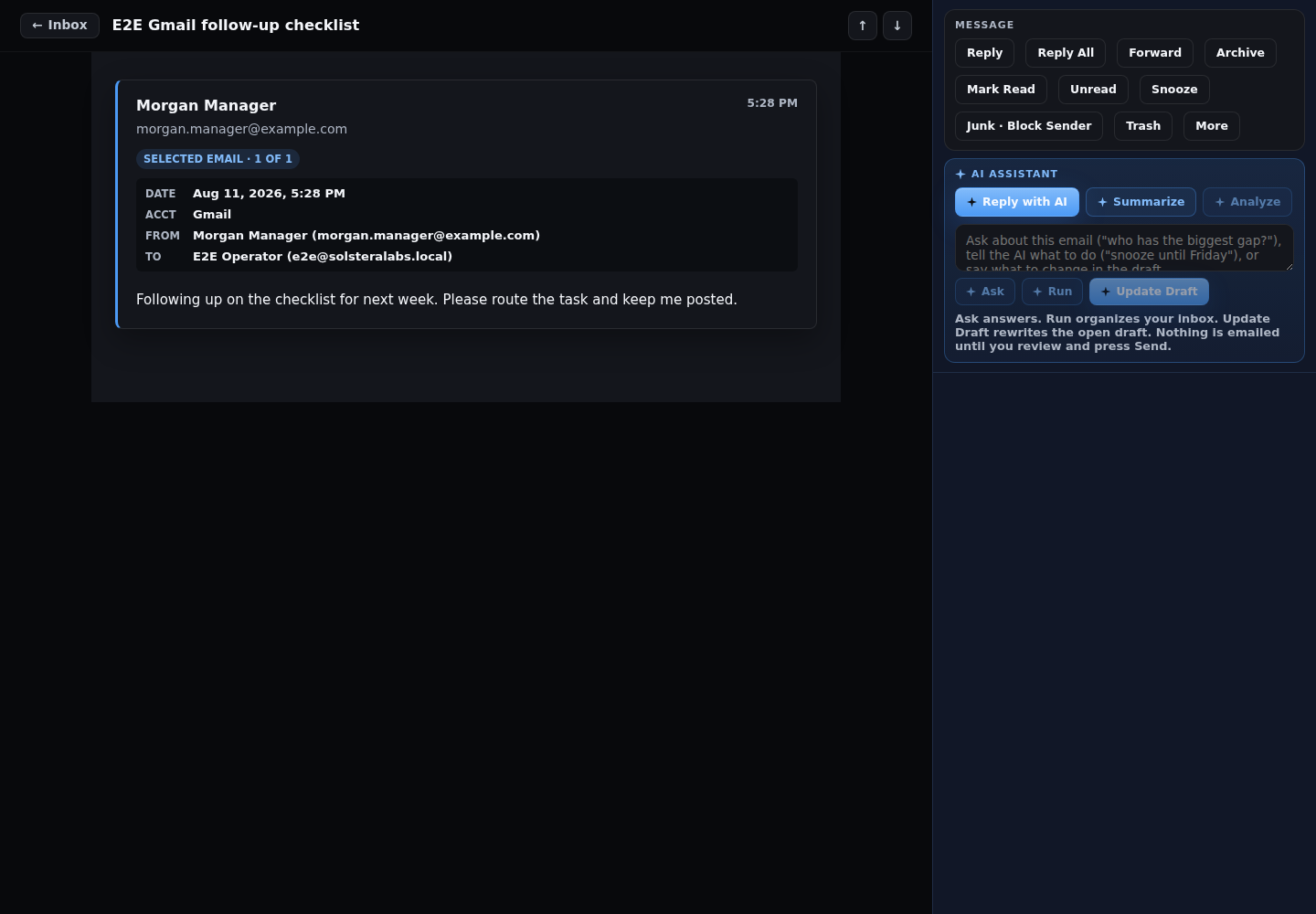
What you’re seeing: Summarize, analyze, ask, draft, or proofread on request.
Why it matters: AI works on the thread; it does not silently send or rewrite.
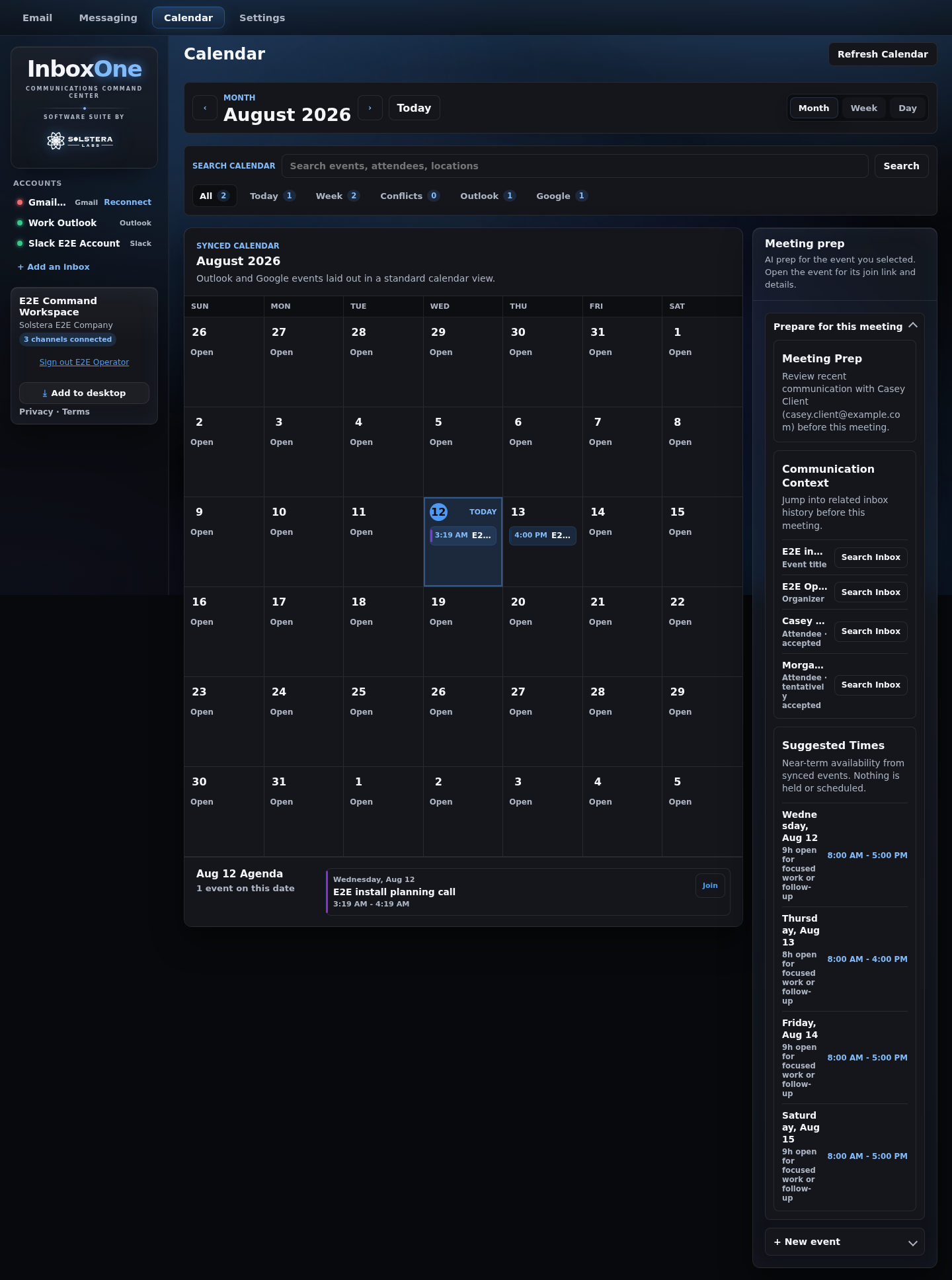
What you’re seeing: Use month, week, or day views with related-message context.
Why it matters: Move from conversation to meeting without losing the why.
What you’re seeing: Choose personal or workspace-visible linked accounts.
Why it matters: Private mail stays hidden unless you deliberately share the account.
Real current or clearly labeled release-candidate states, using synthetic data.
Email, chat, search, attachments, and calendar meet in one workspace.
Read, move, snooze, queue, and search without losing position.
Selected threads, supported attachments, drafts, and calendar context ground the work.
Account visibility is explicit and enforced in reads.
Summaries, search, drafts, attachment analysis, meeting times, and briefs stay grounded in the requested workspace context.
Summarize a thread or analyze a supported attachment.
No natural-language mode sends email. Archive, trash, permanent delete, and folder moves are never silently auto-run by AI.
Workspace-scoped messages, events, contact data, drafts, attachment metadata, and selected on-demand content support the features a customer invokes. Linked accounts can remain personal or become workspace-visible.
Natural-language commands do not send email. Archive, trash, permanent delete, folder moves, and provider calendar creation are not silently executed by AI. Generated content still requires review.
Current behavior and boundaries.
Current paths cover Outlook/Microsoft 365, Gmail/Google Workspace, Teams, Slack, supported IMAP/SMTP accounts, and the implemented iCloud mail/CalDAV path. Provider policy and scopes still apply.
No natural-language mode can send provider email. Every provider send remains an explicit human action.
Only the requested workspace-scoped context: the selected thread and draft, selected supported attachment content, calendar availability needed for the workflow, or the search request and scoped corpus.
Not unless the linked account is deliberately made workspace-visible. Personal account reads are excluded from other members.
Supported images, PDFs, spreadsheets, and text-like files within documented size and count limits.
The product is live with controlled or beta access gating. The sign-in route is public, but runtime eligibility can still require approved access.
No native mobile or desktop app is verified. Inbox One is a responsive web app and can be installed from supported browsers as a PWA.
No owner-approved public price or trial is active; billing infrastructure remains off.